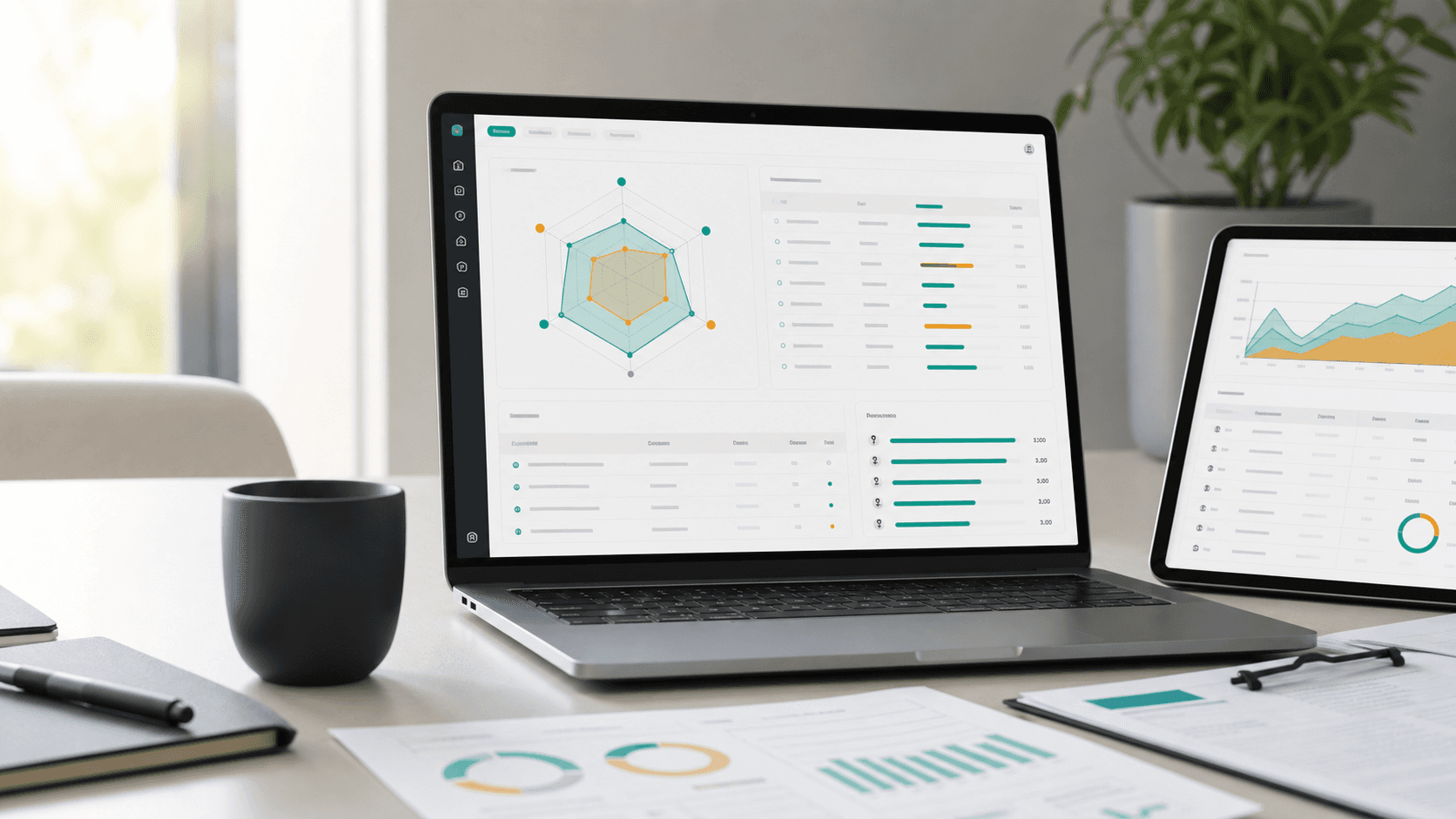
AI Visibility Radar MCP
Connect your Radar data to ChatGPT, Claude, Cursor or any MCP-capable client. Your assistant can safely read brands, latest AI visibility scans, prompt results, citations and captured fan-out search terms.
- Endpoint
- /mcp
- Auth
- Bearer token
- Mode
- Read-only
Your AI visibility data becomes useful inside every AI workflow.
Instead of opening the dashboard manually, ask your assistant to review the latest scan, summarize sources, find weak questions or compare competitors. MCP is the standard bridge between an AI client and your account.
Analysis without exports
Ask your assistant about the latest scan, trends, mentions and cited sources without CSV exports or copy-paste work.
Fan-out query traces
For search-enabled scans, inspect captured search terms and domains the model used during its research step.
Brand context
The AI client receives structured brands, competitors, prompts, answers, citations and parsed results.
The first phase uses a personal token, no OAuth required.
Create an MCP token in settings, save it in your MCP client and use the endpoint below. The token is shown only once and can be revoked at any time.
MCP endpoint
https://www.llmvisio.com/mcpHTTP header
Authorization: Bearer air_mcp_...Create a token
Open Settings in the app and create a personal MCP token for your AI client.
Add the endpoint
Configure your MCP client with the HTTP endpoint and an Authorization header containing the token.
Select a brand
Ask the assistant to call list_brands or get_account_context first so it knows what data it can access.
Analyze results
Ask for the latest scan, prompt answers, citations, competitors or search trace data.
What an assistant can read from Radar
get_account_contextCurrent user, organizations and token scopes.
list_brandsAvailable brands and latest AI visibility score when present.
get_brand_overviewBrand, competitors, latest scan and score overview.
get_latest_scanLatest scan run with status and score breakdown.
get_prompt_resultsPrompts, model answers, citations, mentions and parsed output.
get_search_tracesCaptured search/fan-out terms and source domains.
Use it naturally: ask the assistant, not the dashboard.
Summarize the latest AI visibility scan for our main brand and list three priorities.
Which questions fail to mention us but rank competitors first?
Show fan-out query traces and domains the models use as sources.
Draft a content brief for the weakest prompt in the latest scan.
Built as narrow, revocable read-only access.
Tokens do not run scans, change brands or manage billing. The first phase is a safe way to read existing data; OAuth can come later for public distribution and team installs.
Connect Radar to your AI workspace.
Let your assistant read results, find fan-out query traces and draft next content tasks without manually copying from the app.